
No app required. Families can follow the live heat and browse full results right in a web browser, with no account and nothing to install. Send them a link and they are done.
Two ways to watch
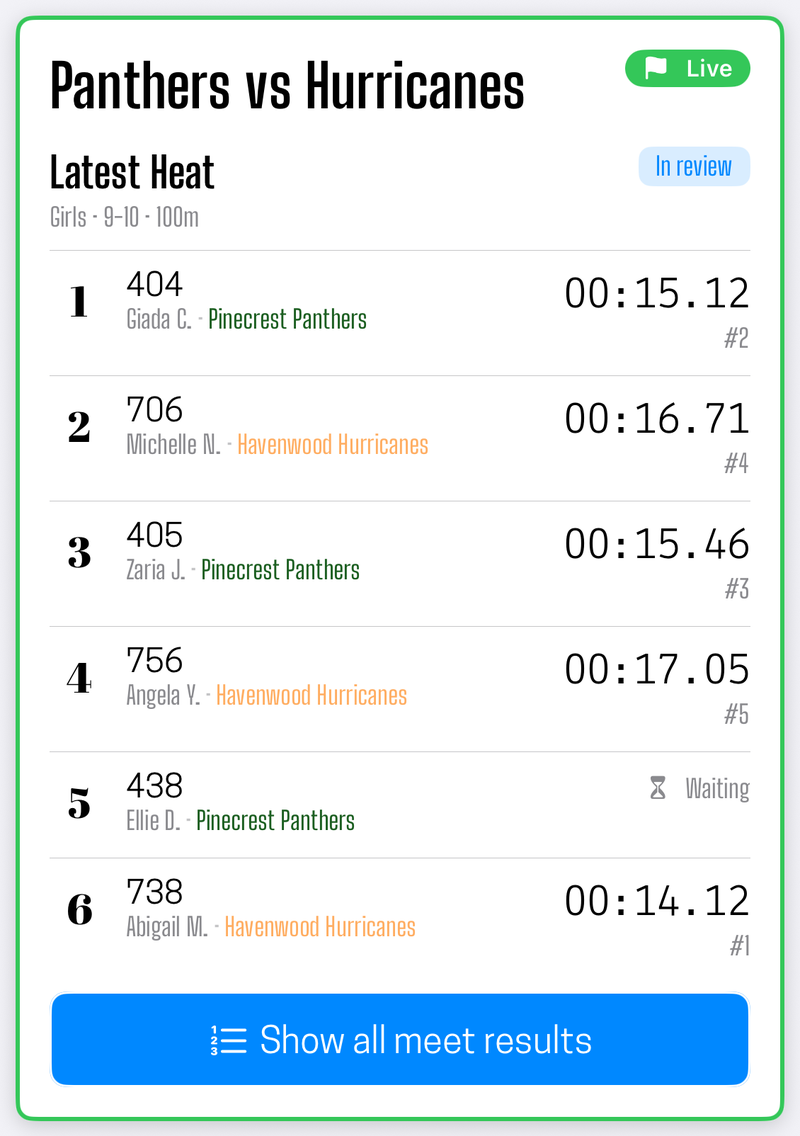
In a browser. A claimed team has a public web address. Anyone with the link sees the meet that is running now, updating as heats complete, plus every past meet the team has run. Works on a phone in the stands or a laptop at home.
In the app. Anyone can follow your team from the app's team search, without an account. Followed teams show up on their home screen with your results after each meet, and the live heat while a meet is running.
The browser is the better answer for a grandparent watching from three states away. The app is the better answer for a parent who follows the same team every week.
What they see live
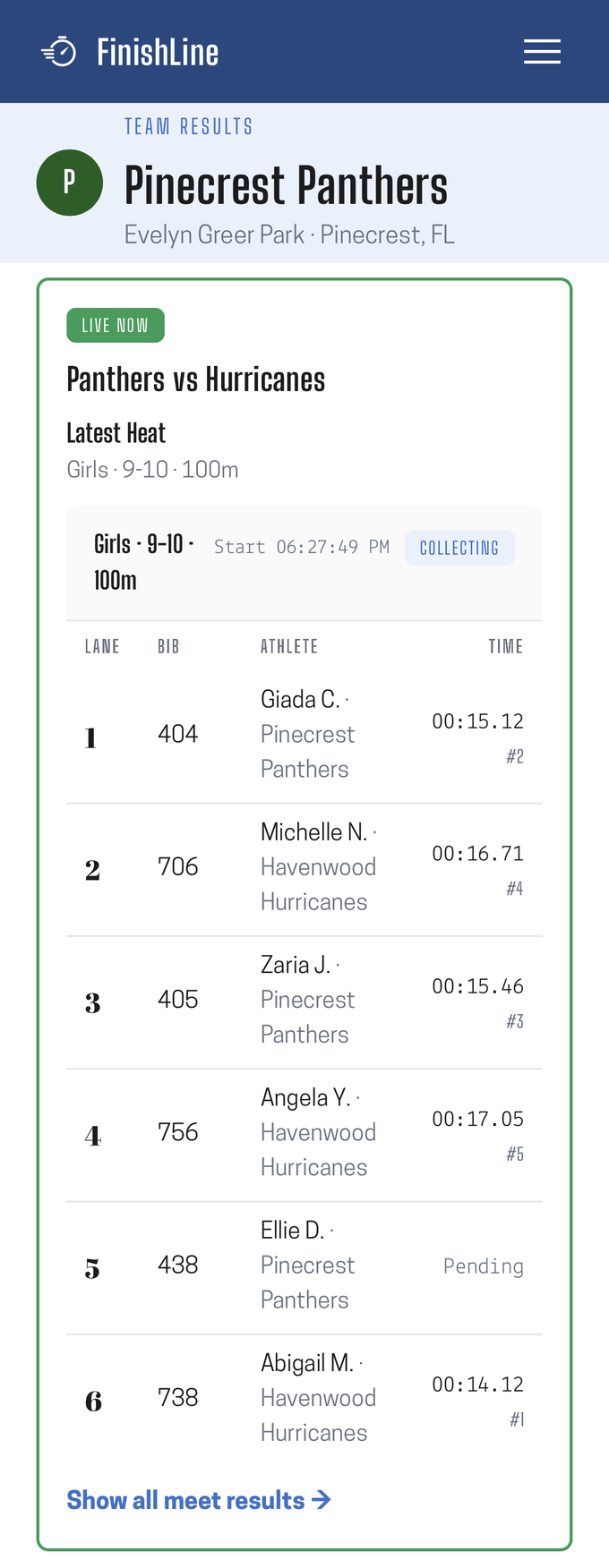
While a meet is running, the current heat is shown as it fills in, row by row, in real time.
The heat appears as soon as it goes off, listing the lanes and bibs that were assigned to it, before anyone has finished. Each time then lands on its row as the finish crew records it. In a pack heat you will see crossings show up with a time and no name yet, marked as waiting for bib collection, and the name fills in once the recorder attaches it.
Between heats the view lingers on the most recent one rather than going blank, so a parent who looks up a minute late still sees what just happened.
The live view is deliberately watch-only. Spectators cannot change anything, and nothing they do affects the crew's devices.
What families see live is a working view, not a final one. Results are published as they are collected, so a row can change after they first read it: a time can arrive before its bib, a place can shift as the rest of the field finishes, and a correction made by the record keeper updates the public view the same way the original result did. That is the tradeoff for watching in real time.
What they see afterward
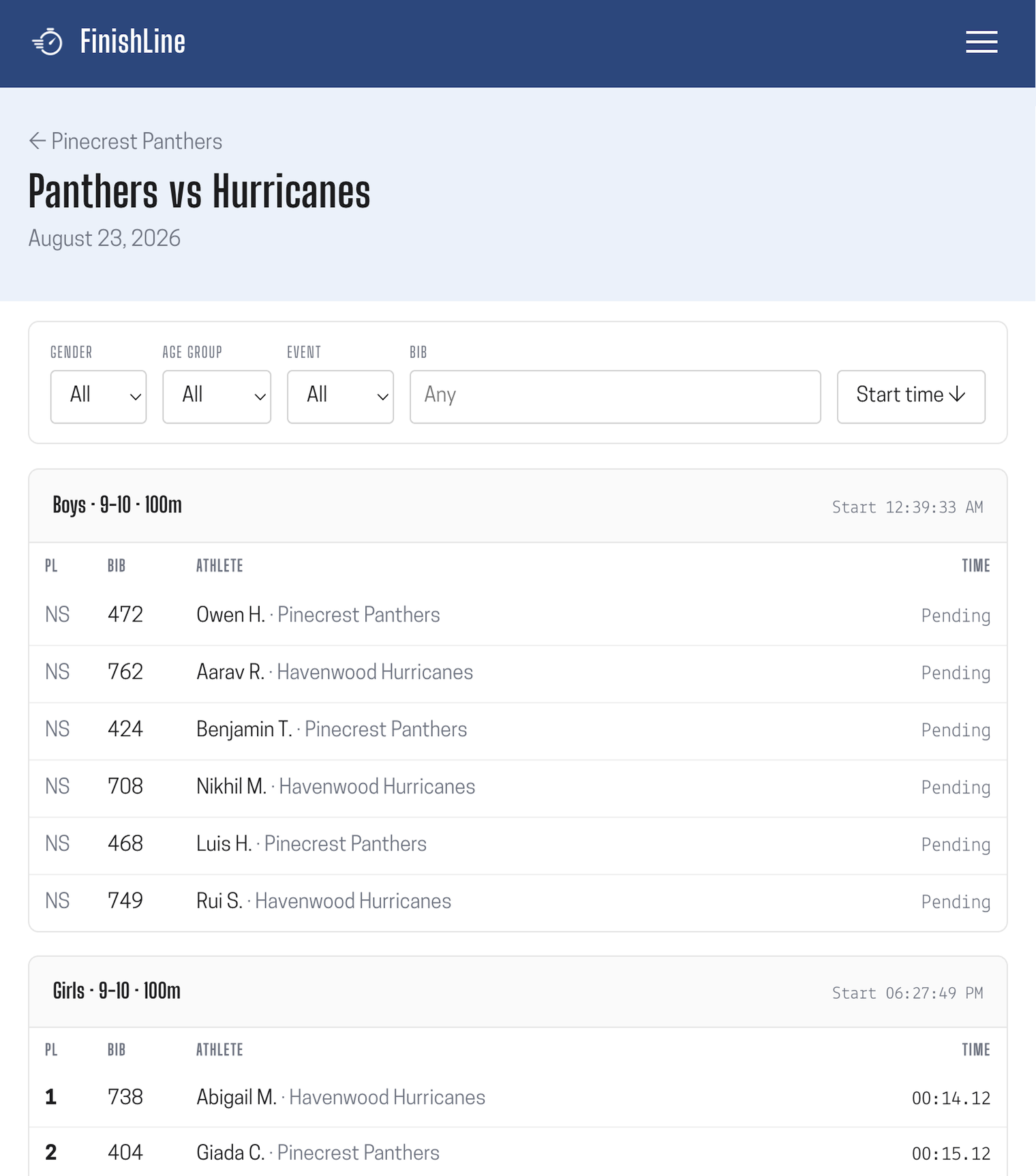
When the meet ends, the same web address it was live at becomes its results page: full results, heat by heat, with places and times. One address carries the meet from upcoming, through live, to final, so a link you shared the night before still works, and a result you shared in April still opens in October.
Sharing the link
The team's public page is the thing to share. It is the entry point to every meet the team runs, so it gets shared once at the start of the season rather than as a fresh link every week.
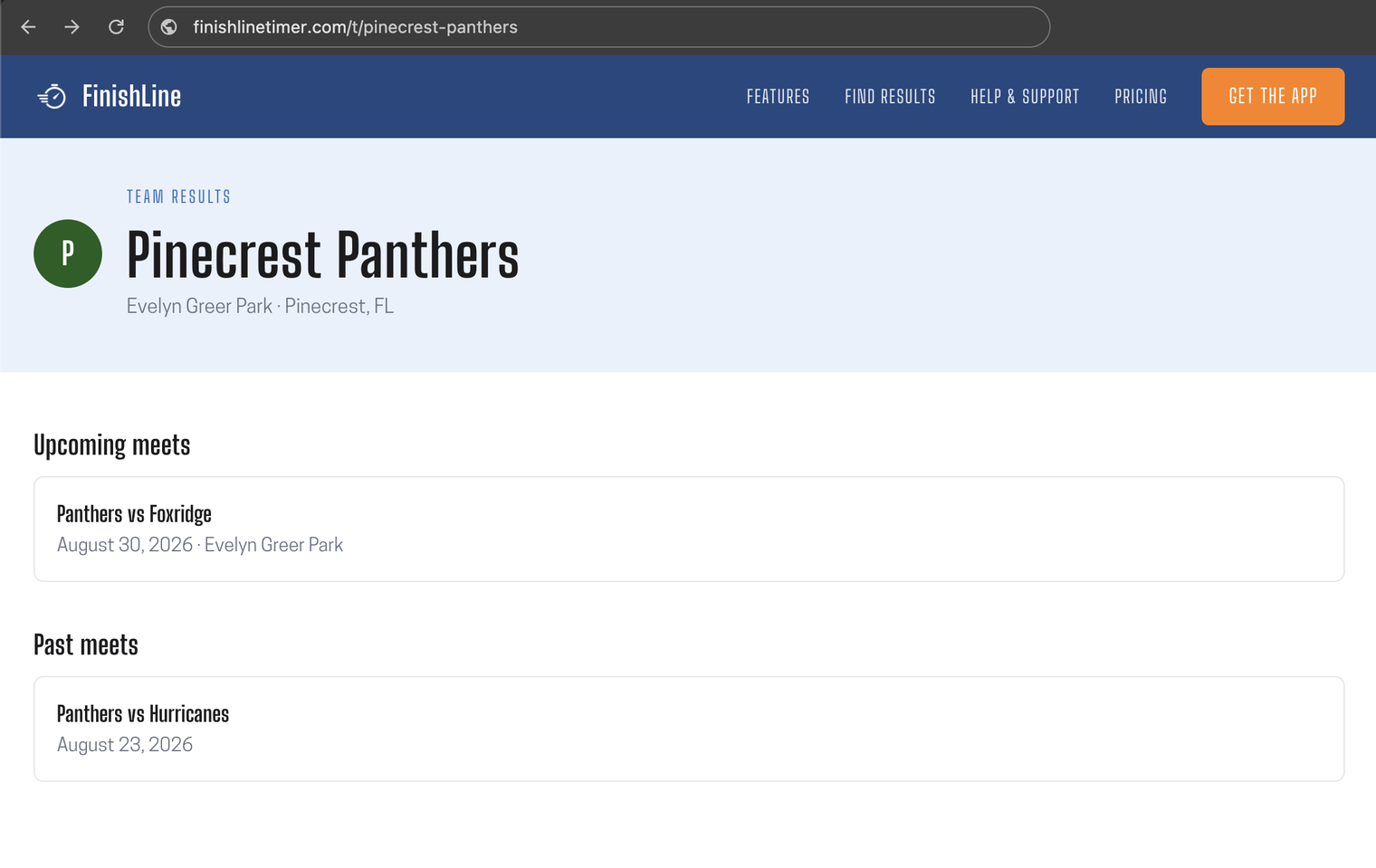
Anyone can share it. It is an ordinary web address, so a parent who has the page open can copy it from their browser and pass it on. Nobody needs an account or permission to hand the link to someone else.
Only the account holder who owns the team controls it. The team's web address is set and changed from the team's settings in the app, by the account that claimed the team. No one else can change it, including followers and other coordinators.
If the owner does change the address, previously shared links keep working: the old address keeps pointing at the team rather than going dead. Renaming the team itself does not move the address either, so a link handed out in September survives a mid-season name change.
Athlete names and privacy
Public pages show initials by default, not full names. This is a deliberate default for a product that times children's meets.
Full names are still used where they belong, including your own results exports. The shortening happens as results go out to the public page, so the full names stay intact in your own records.
Common questions
Do spectators count against my device limit? No. The device limit counts crew devices joined to the meet. Viewers are unlimited.
Can a spectator see a meet before it starts? They see it listed as upcoming, with the date. Heat detail appears when the meet goes live.
Do they need to refresh? No. The live view updates on its own.
What if we do not want a meet public? There is no per-meet privacy switch today. A claimed team has a public page, and the meets it runs appear there. If you need a meet off the page, remove the scheduled meet, which also drops it from your followers' upcoming list. Athlete names are a separate matter, and they are shortened to initials on public pages by default either way.
Did this answer your question? If something here is wrong, missing, or out of date, tell us at support@finishlinetimer.com and we’ll fix it.